Get Early Access to the New Tower
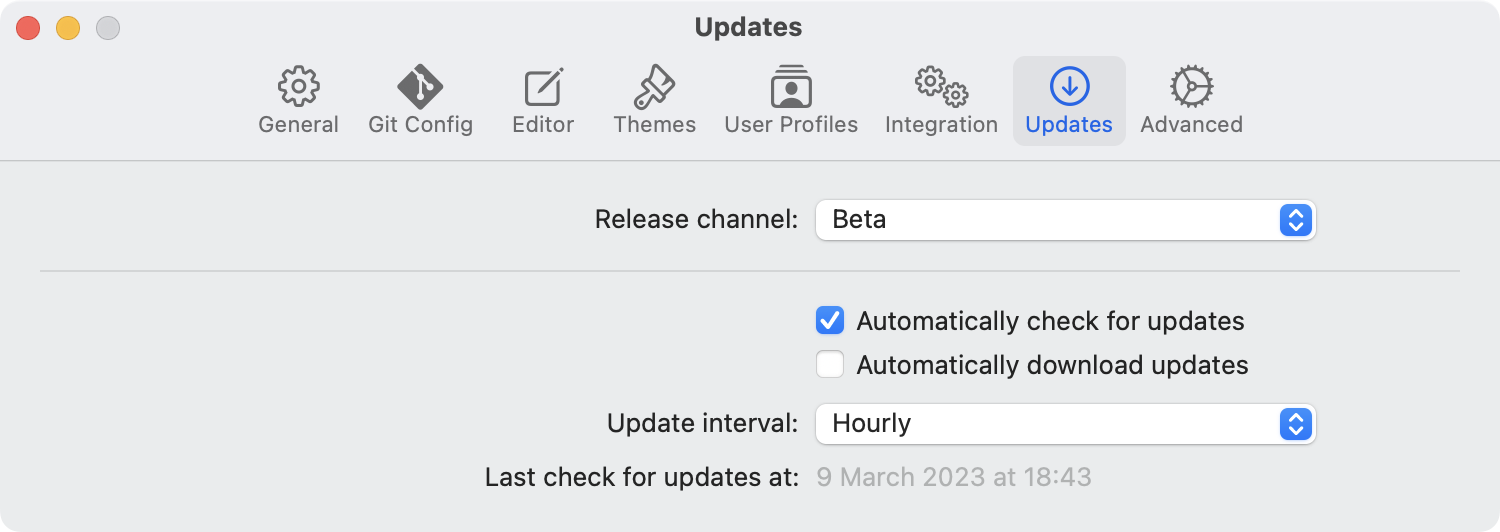
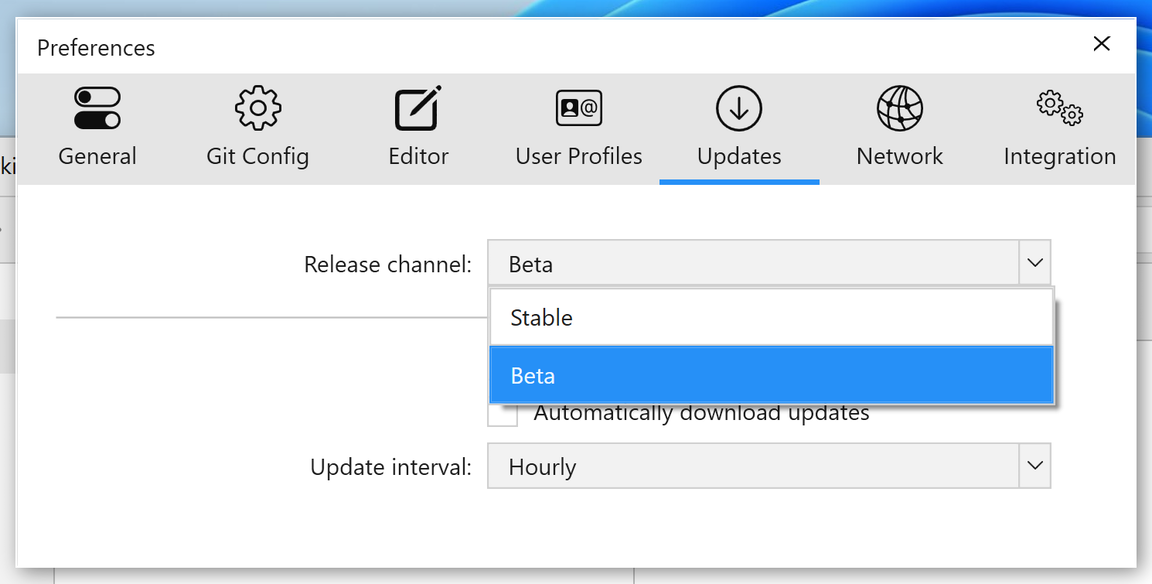
Join our Beta Channel to preview the latest Tower improvements for Mac and Windows.
You'll automatically receive new builds before they become available to the general public.
A Better Command Line Experience
Coming in 18.0
Jump from your terminal straight to any view in Tower (History, Blame, the Working Copy, Branches Review, and more) with a single command.
Plus, the command line tool now stays up to date automatically with every Tower update.
Run gittower --help to see everything the Tower Command Line Tool can do.
Release Notes
No beta release notes available for this product at this time.
New
Command Line Tool: Tower includes a rewritten
gittowercommand line tool for driving Tower from the terminal — cloning repositories, reviewing branches with filtering, sorting and search, listing pull requests, reading and changing a branch’s stacking settings, managing your license, and inspecting file history and blame. It works just as well for AI agents and scripts, which can use it to hand work over to Tower, for example by opening the history of the branch they just worked on so you can review their commits.
Improved
Command Line Tool: The tool is now installed as a link to Tower, so it stays up to date on its own and never has to be reinstalled after Tower updates.
Command Line Tool: Tower no longer replaces a
gittowercommand that another program installed. It explains what’s already there instead, and asks before replacing a link you made yourself.Command Line Tool: The Integration settings offer to update a command line tool left behind by an older version of Tower, and to repair one that stopped working because Tower was moved or renamed.
Blame: Blame and the raw file view now follow HEAD when opened for a file, showing its state on the current branch instead of pinning it to a single commit.
Fixed
Command Line Tool: Fixed cancelling the password prompt while installing the command line tool reporting the installation as successful.
Raw File View: Fixed the raw file view showing a file at an outdated revision after the file changed.
Blame: Blame now reports a failed load instead of showing an empty file.
New Window: Fixed opening a repository in a new window adding it as a tab to the existing window when macOS is set to prefer tabs.
How to Get Access
Head over to "Preferences > Updates" to join our Beta Channel.