15.0
New
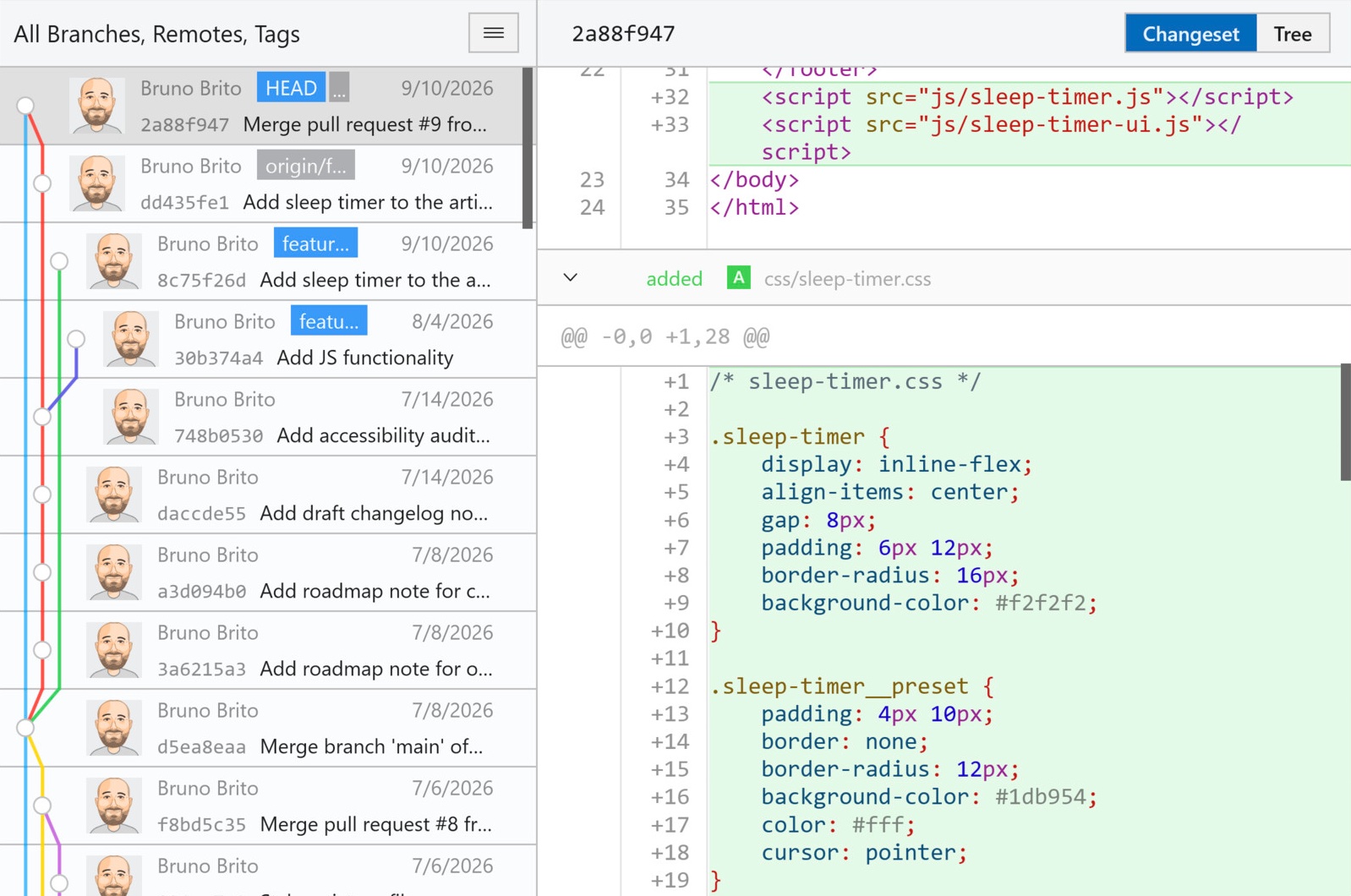
Diff View: Added syntax highlighting for diffs and Blame. Turn it on in Preferences → Text to see code highlighted using language-specific colors.
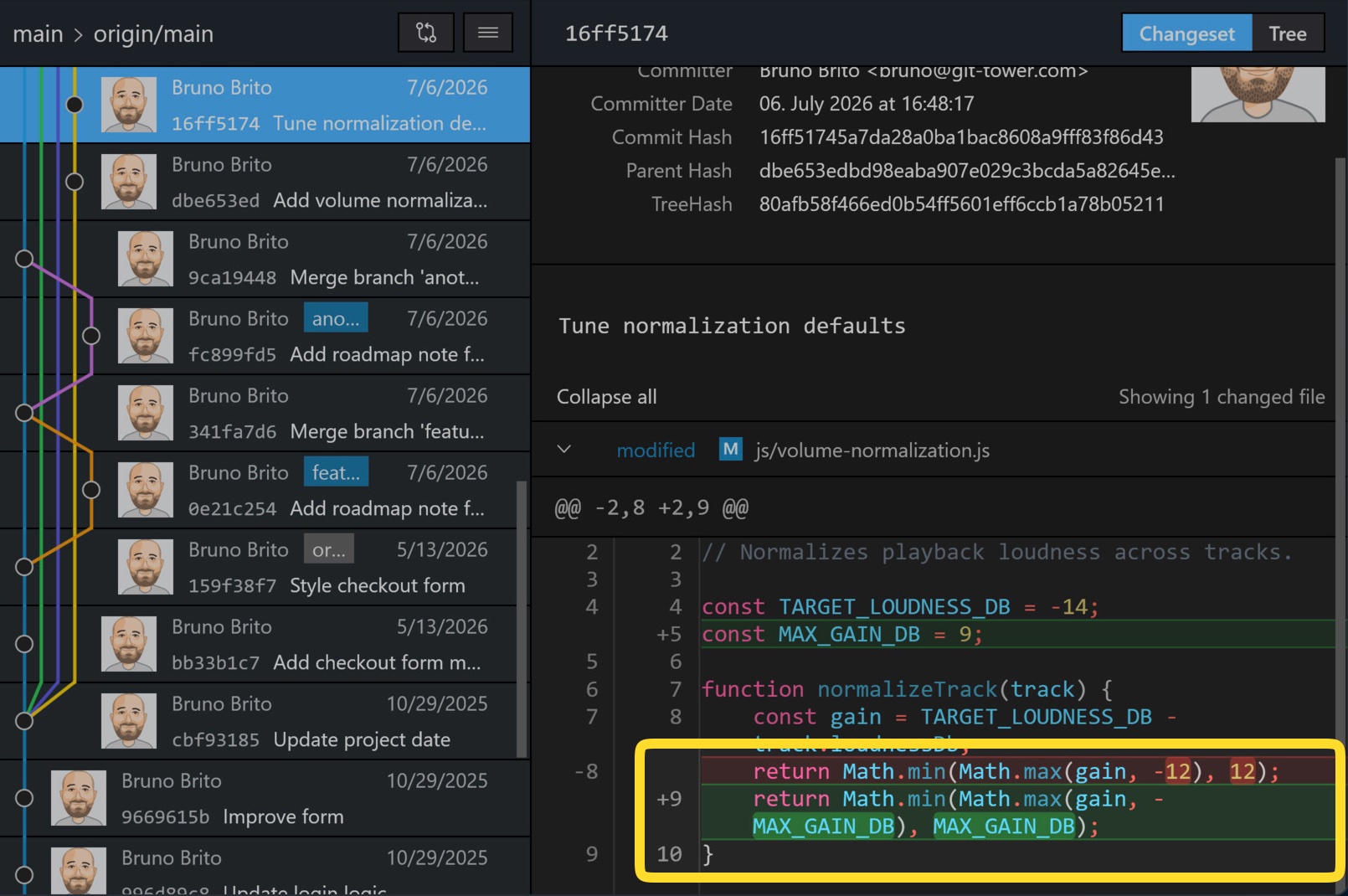
Diff View: Changed words are now highlighted within modified lines, making it easier to see exactly what changed.
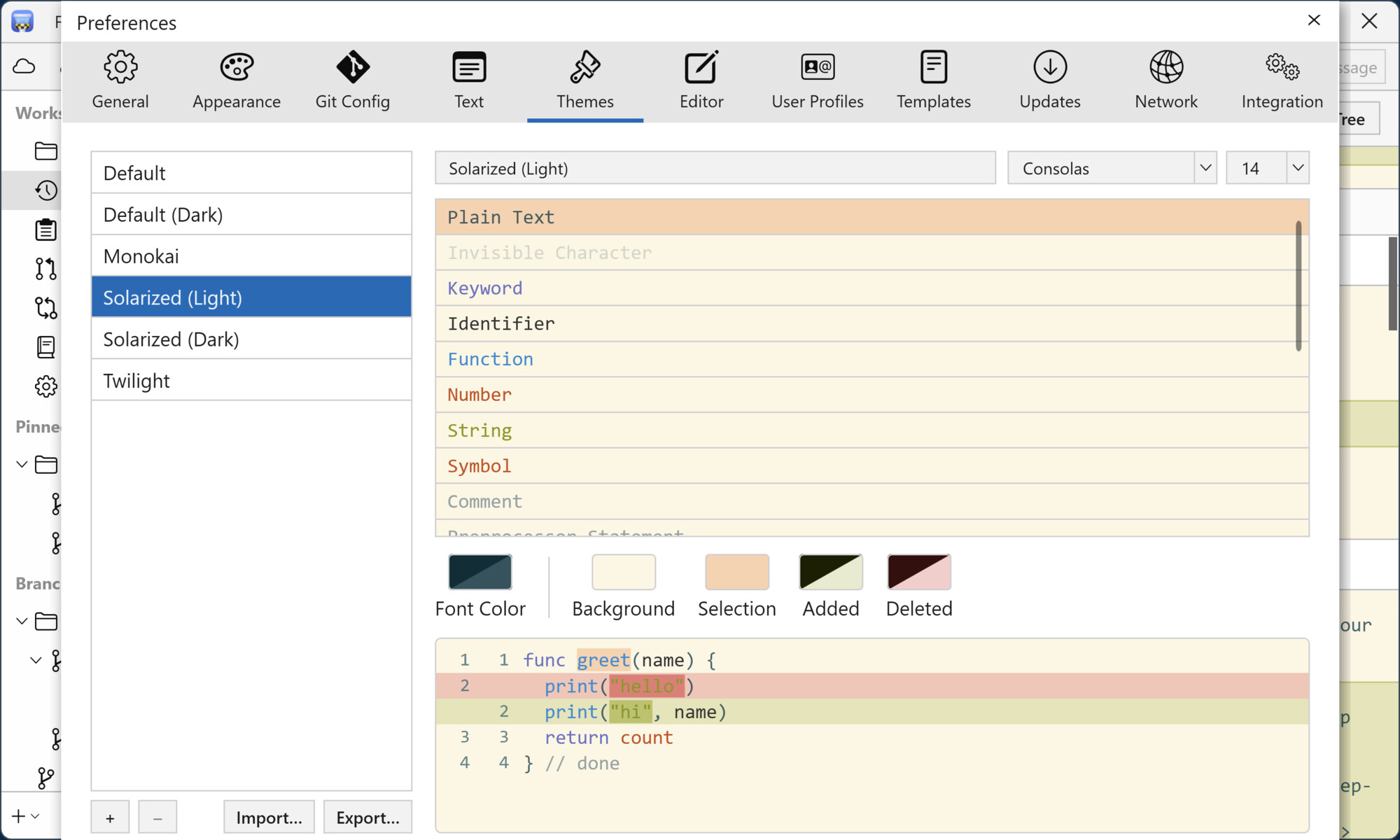
Themes: Choose a syntax color theme for each appearance in Preferences → Themes, or create, edit, import, and export your own .towertheme files.
Improved
History: Large diffs for commits, stashes, pull requests, and Branches Review now show the large-diff warning immediately. This keeps Tower responsive and saves memory.
Diff View: Tower now uses much less memory when loading diffs. A large diff uses about a quarter of the memory it previously required.
Bundled Git: Updated Git for Windows to version 2.56.0.4.
Fixed
Stashes: Fixed Tower dropping, popping, or applying the wrong stash after several stashes were deleted at once, after undoing and redoing an action, or after the stash list changed outside Tower. Tower now identifies each stash by its commit, ensuring it acts on the selected stash.
Stashes: Failed stash and move operations now show Tower’s own error message again instead of Git’s raw output.
Branches: Attempting to delete the checked-out branch from the “Fully Merged” banner, the stale banner, or Quick Actions now shows an explanation instead of silently doing nothing.
Git-Flow: Fixed “Finish” keeping the topic branch even when “Delete branch” was selected.
Branches: When deleting several branches, Tower now deletes the remaining branches even if one is checked out in another worktree, then shows an error for that branch. Undo restores only the branches that were deleted.
Automatic Branch Management: Archived branches now reliably move to the Archived section. Auto-archiving no longer runs on incomplete branch data, preventing it from skipping merged branches or archiving the checked-out branch.
File History: Commits that changed a file under a previous name now show their changes instead of an empty changeset.
History: Fixed the commit graph sometimes being drawn incorrectly after several rapid refreshes, with lines extending above the top commit or starting unexpectedly.
Diff View: Fixed “Show Diff” doing nothing when clicked while a large diff was still loading.
Azure DevOps: Fixed the “Custom Service Pull Requests are not supported” error appearing for repositories with SSH remotes or when the account name’s capitalization differed from the remote URL.
Auto Fetch: Fixed repositories continuing to fetch in the background after they were no longer open in a window. Also fixed changing the fetch interval triggering extra fetches. These changes reduce network and memory use.
Preferences: Fixed Tower freezing when opening Preferences while Windows Explorer was unresponsive. Icons for diff and merge tools now load in the background.
License: Fixed Tower sometimes showing an outdated license or trial status.