Your Inactive Branches, Organized
Archived branches stay tucked away in their own section — invisible when you don't need them, right there when you do.
Clean up stale and fully-merged branches in bulk. Keep your sidebar tidy without picking through it manually.
Tower Basic shows you which branches are merged or stale. Tower Pro lets you act on that signal at scale — archiving dozens of branches in one go and automating the whole thing in the background.
Archived branches stay tucked away in their own section — invisible when you don't need them, right there when you do.
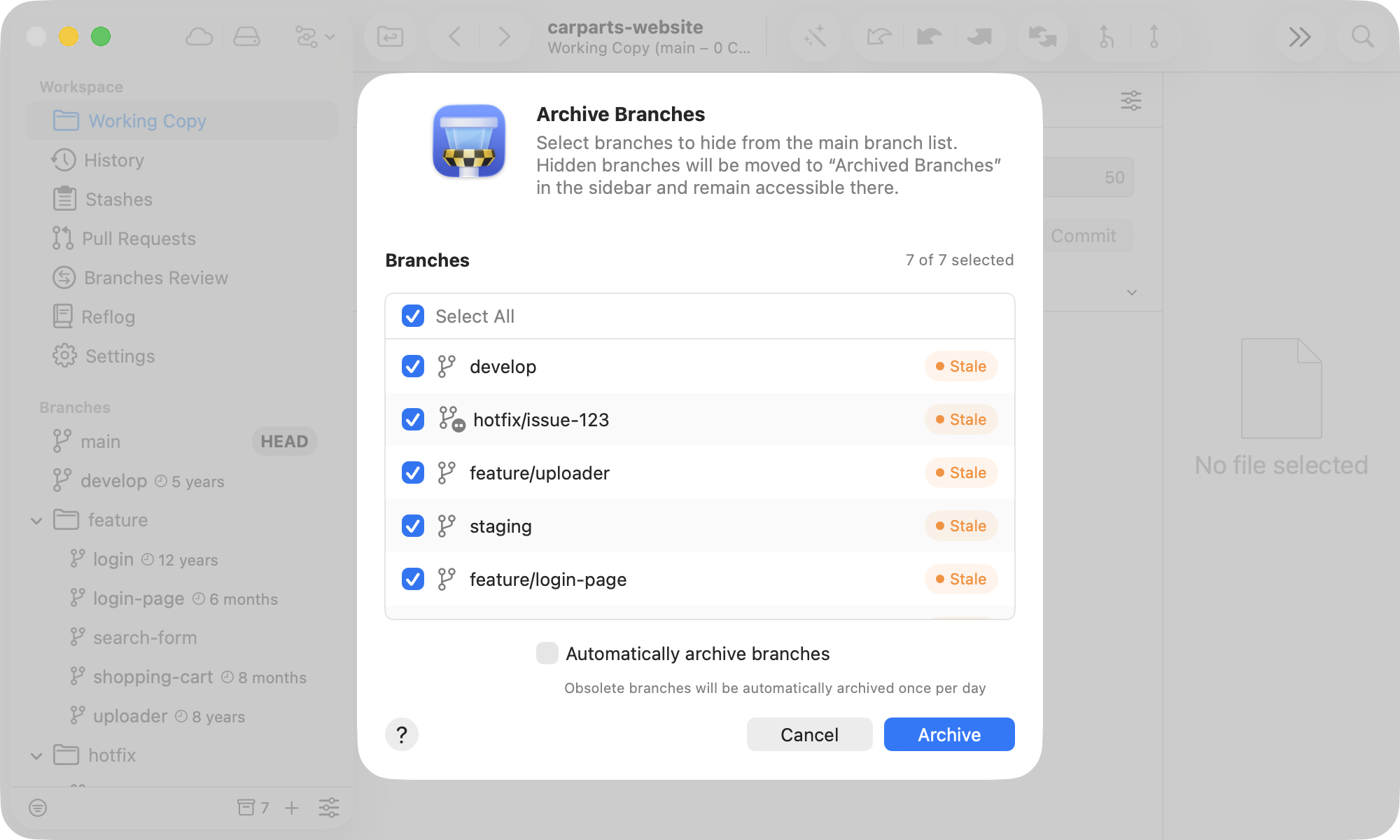
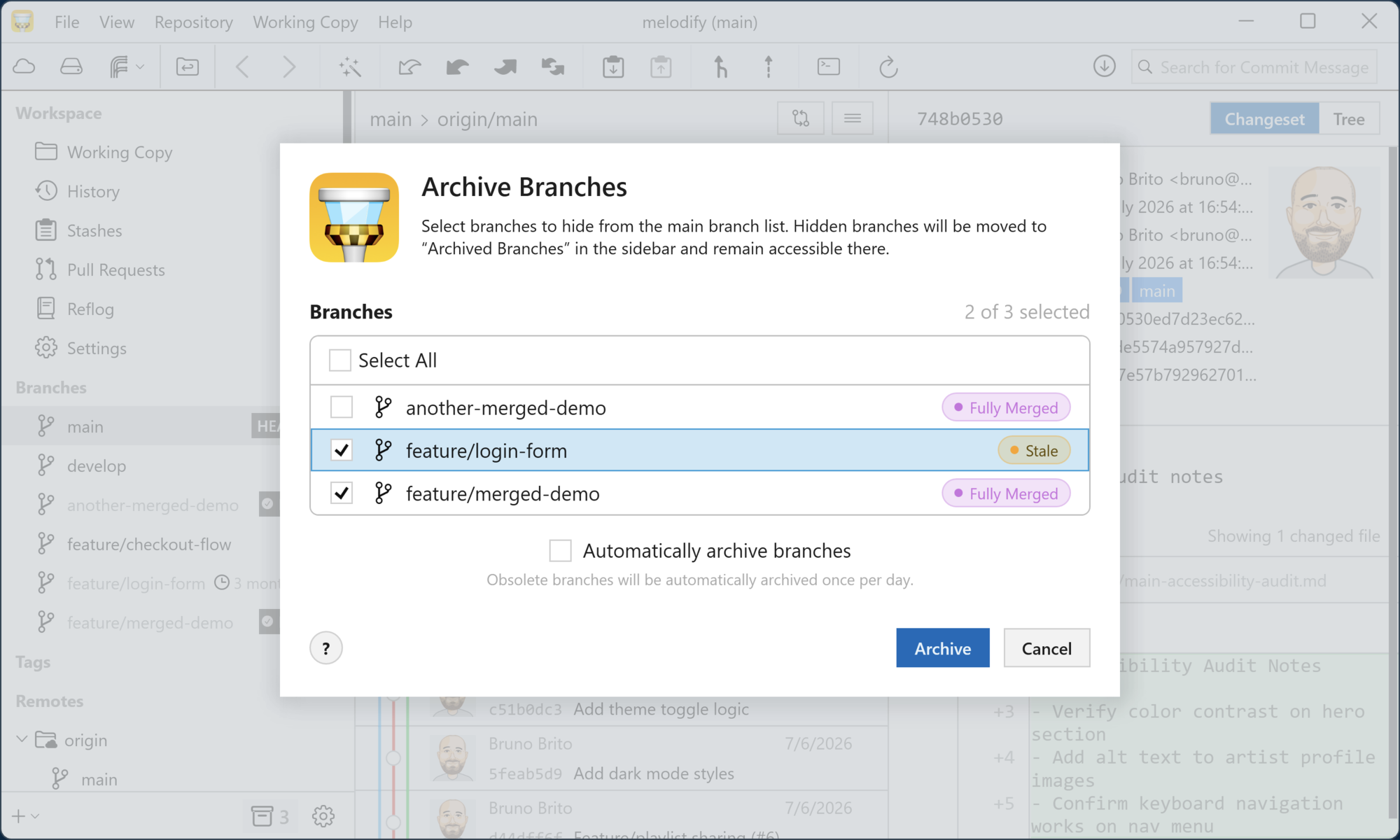
One dialog. Every stale and merged branch in one place. Pick what to archive — or clear them all at once.
Enable "Automatically Archive Branches" in the sidebar's settings and Tower silently archives merged and stale branches in the background. Your sidebar stays tidy without you lifting a finger.
Archived branches are fully functional — check them out, merge from them, or restore them with a right-click. Pin a branch or enable "Skip Auto-Archiving" to permanently protect it from the cleanup engine.
The total number of fully-merged or stale branches is displayed in the sidebar footer. Click it to open the "Archive Branches" dialog, where you can take action either individually or in bulk.
Archived branches live in a dedicated section below your main list. Right-click any of them and choose "Unarchive" to bring it back. Need to keep a branch in the main list? Enable "Skip Auto-Archiving" or pin it.
Use the sidebar's settings to view or hide the fully-merged and stale badges, define the stale branch time interval, and enable or disable the "Automatically Archive Branches" functionality.