Your Full Repository List, Instantly
Authenticate once and Tower shows every repository your account can access. Clone any of them with a single click — no command line, no copy-pasting URLs.
Connect to GitHub Enterprise, Bitbucket Server, GitLab EE/CE, and Azure DevOps Server. PRs, repos, and CI from your on-prem hosts.
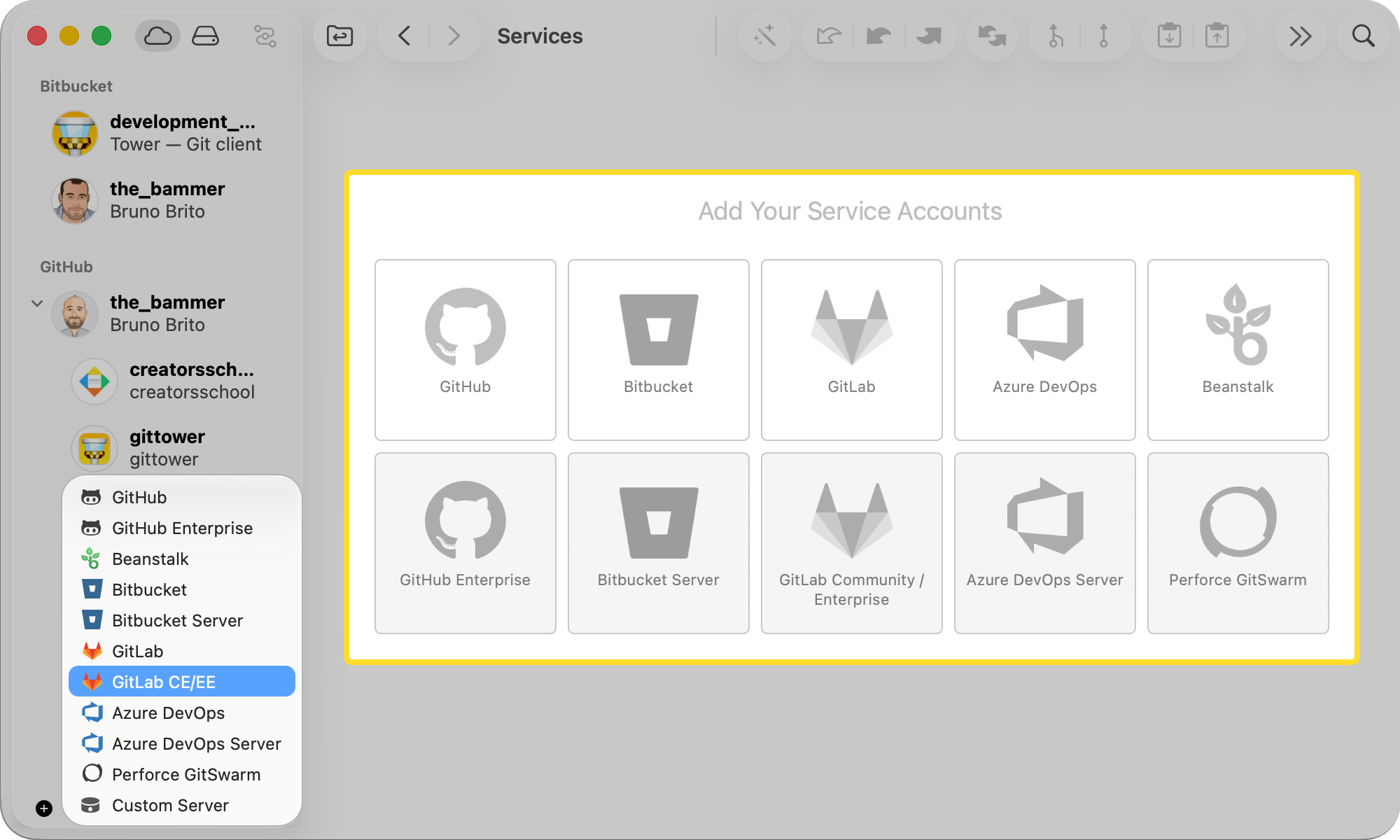
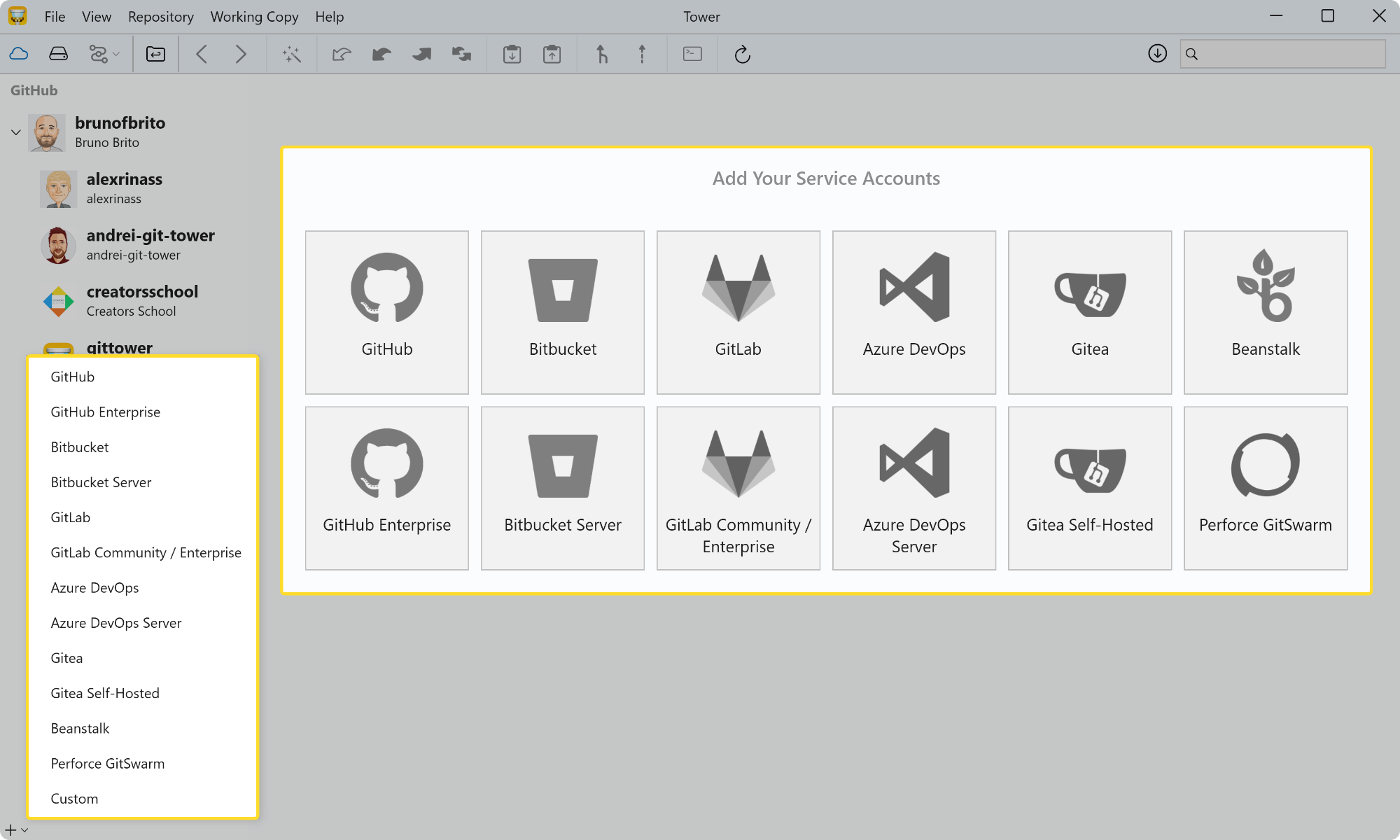
Self-hosted repository management isn't a workaround — it's a first-class Tower Pro feature. Connect once and get the same cloning, branching, and pull request workflow you'd have with any cloud service.
Authenticate once and Tower shows every repository your account can access. Clone any of them with a single click — no command line, no copy-pasting URLs.
Tower communicates directly with your server. Credentials, code, and API requests never travel through a third-party relay. Your security policies stay intact.
GitHub Enterprise, Bitbucket Server, GitLab EE/CE, and Azure DevOps Server all work identically in Tower. No platform-specific quirks to learn or remember. GitHub Enterprise, Bitbucket Server, GitLab EE/CE, Azure DevOps Server, and Gitea all work identically in Tower. No platform-specific quirks to learn or remember.
Create, review, comment on, and merge pull requests without leaving Tower. Your CI pipelines, branch protections, and review policies remain exactly where they are.
Enter your server's URL and authenticate with your credentials or a personal access token. Tower verifies the connection and immediately loads the full repository list your account can access — no extra configuration needed.
Browse your organization's repos, clone with one click, and manage branches, tags, and commits exactly as you would with any cloud-hosted service. Automatic background fetching keeps your local view up to date without interrupting your work.
Open new pull requests, review incoming changes, leave comments, and merge — all from within Tower. No browser tab required, and your server's review policies and CI checks are fully respected.