10.1
New
Working Copy: Introduced file search in the Working Copy view for easier navigation.
Fixed
Crash: In certain scenarios, refreshing GitHub pull requests could cause the application to crash. This issue has now been fixed.
New features, improvements, and fixes. Here are the latest Tower updates!
This release introduces seamless Graphite integration for all the most popular actions, allowing you to manage your stacked branches and create Pull Requests without leaving Tower.
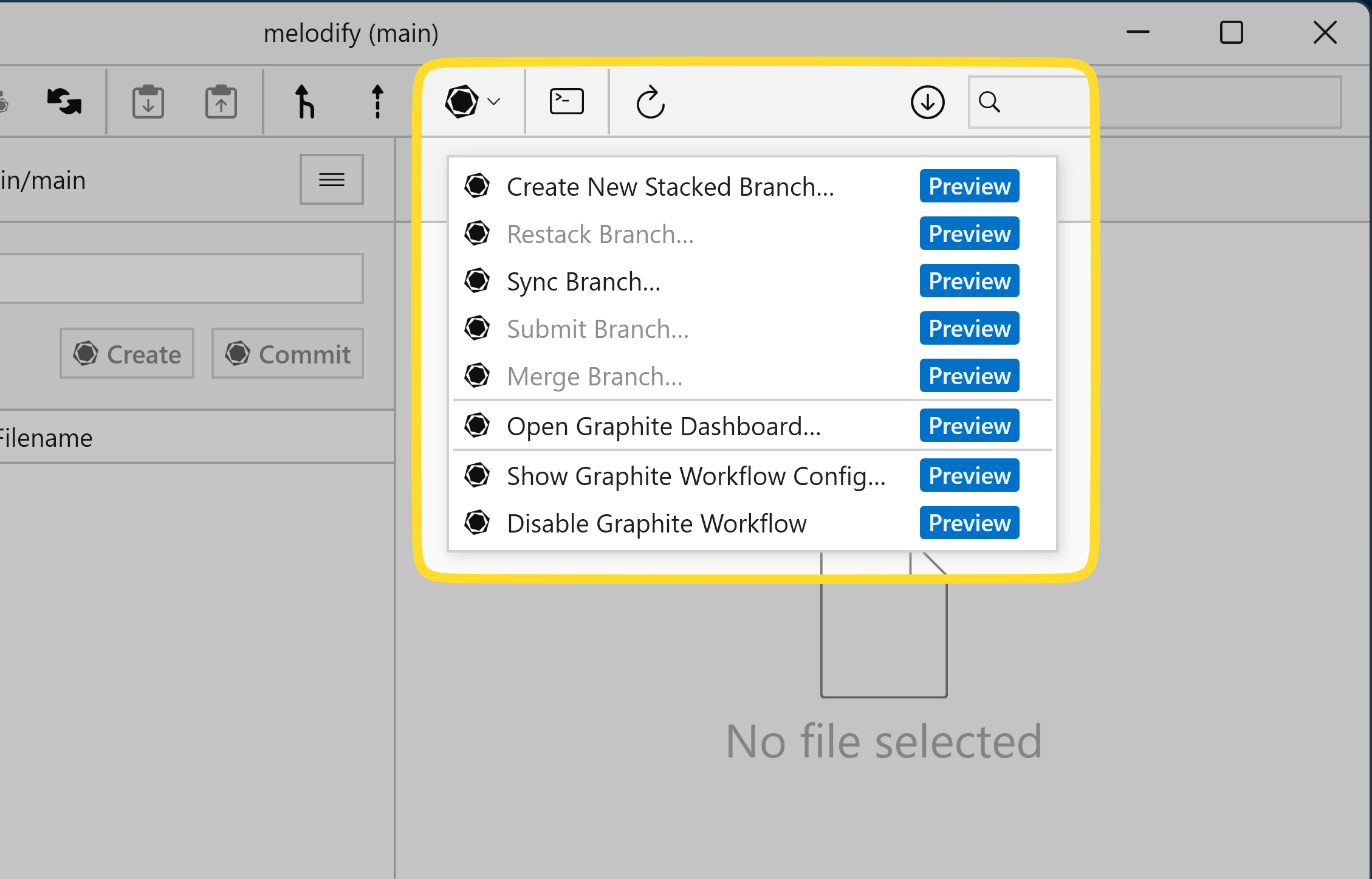
To enable the "Graphite" workflow, click the "Workflow" toolbar button and select the Graphite workflow. You will then be able to quickly access some of Graphite's most popular commands and open the Graphite dashboard in your browser.
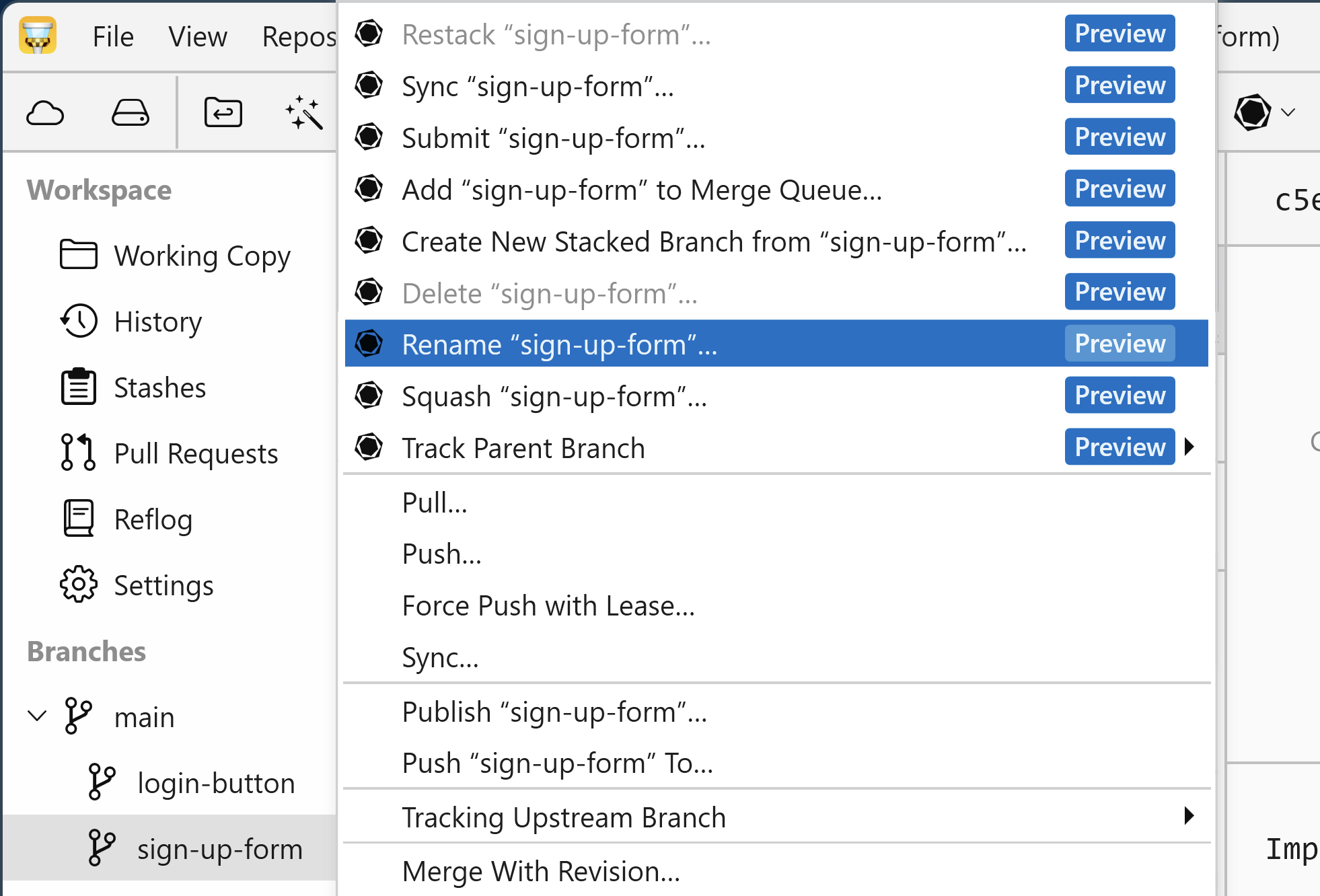
You can create a new stacked branch by right-clicking on any existing branch. You'll also find all the other essential Graphite operations right here in the context menu: renaming, merging, squashing, deleting… you name it!
Working Copy: Introduced file search in the Working Copy view for easier navigation.
Crash: In certain scenarios, refreshing GitHub pull requests could cause the application to crash. This issue has now been fixed.
Graphite: Tower now seamlessly integrates with the Graphite workflow!
Notifications: You can now disable Windows notifications in Preferences.
Git Binaries: Tower now supports ARM64 Git binaries.
Submodules: Navigation through nested submodules has been refined.
Portable Git: Updated to version 2.51.2 for improved compatibility and performance. Please note that git-flow was removed in version 2.51.2. To maintain compatibility, do not remove previous versions of Embedded Git and select version 2.51.0 in Preferences → Git Config → Git Binary.
Git Binaries: Enhanced validation for Git binaries.
License Activation: Improved handling when pasting emails and license keys.
Installer: The installer now automatically downloads any required runtimes during installation.
System Menu: The Alt+Space shortcut now works as expected.
Commit View: The logic determining when the Commit button is enabled now works as expected.
SSH: Enhanced handling of SSH keys for more reliable authentication.
Toolbar: The “Show Label” setting now correctly persists between sessions.