Commit History Overview
Tower allows you to access and inspect your repository's history in various ways. Having a certain repository open, either select the item in the sidebar, or simply press CTRL + 2.
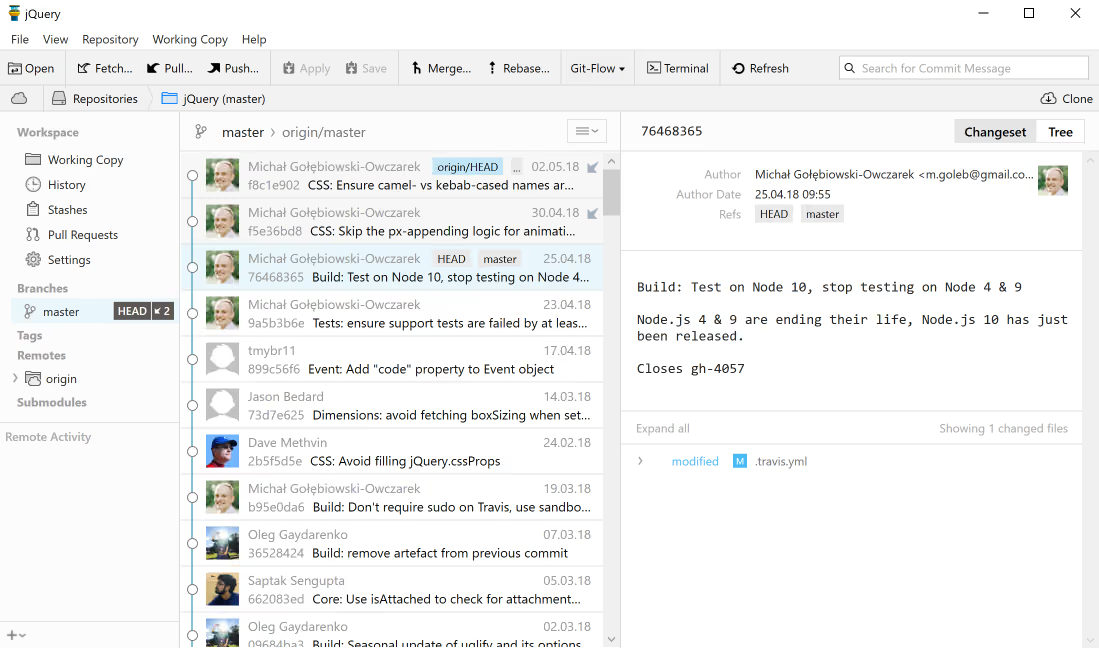
- The "History" item in the sidebar shows the repository's complete history from all local and remote branches and tags.
- Selecting a particular branch in the sidebar (no matter if it's a remote or a local one) will show you just this branch's commit history.
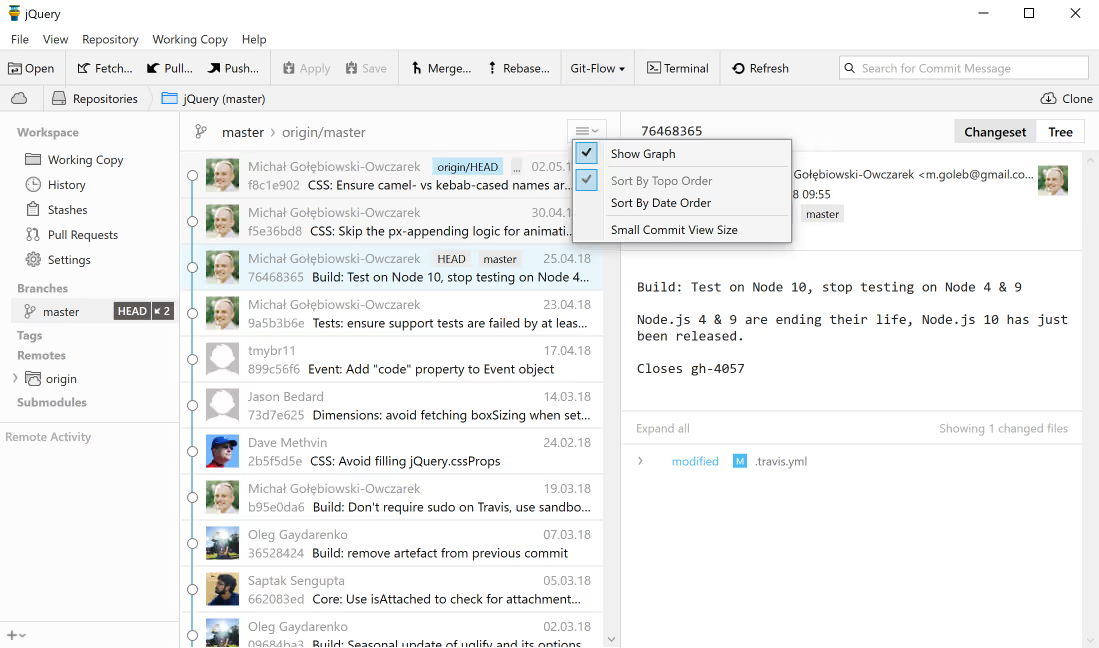
- The list's display style can be chosen from several options (with/without tree graph, condensed/large style, etc.).
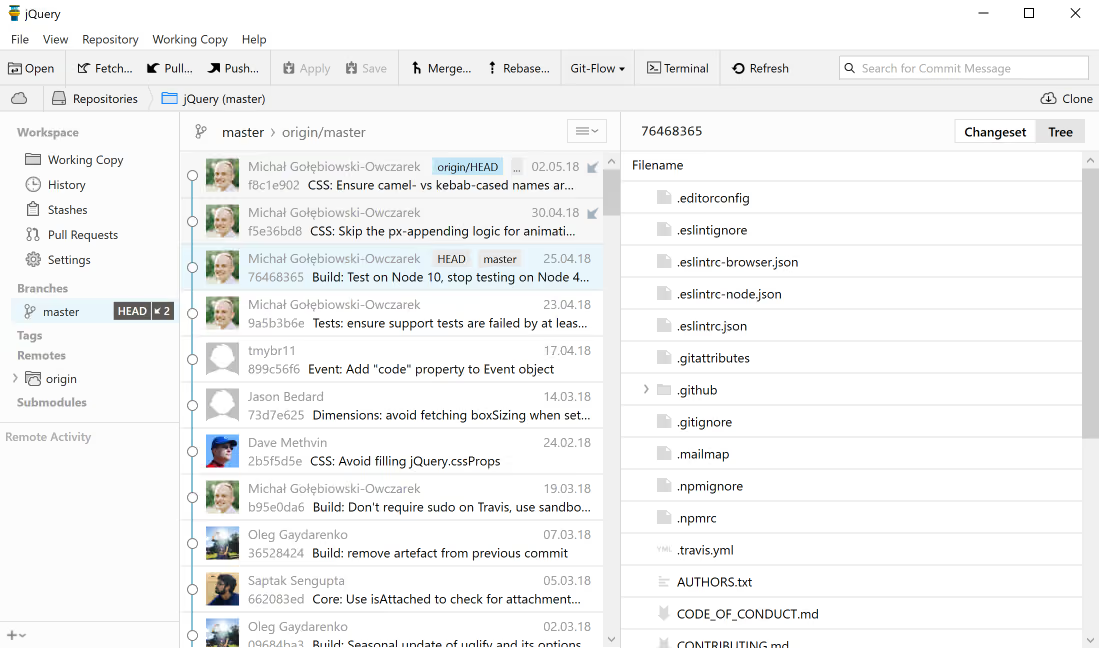
- The "Tree" view allows you to browse the complete file tree of the project at this point in time.
- The "Changeset" view presents all information about the commit itself and the its changes.
- Metadata about the commit is shown just above the changeset information - and can be expanded to show even more info.
- The "changeset" area displays the exact modifications in detail: expanding an item in the list of changed files shows the corresponding diff information.