Repository Settings
After opening a repository in Tower, you can select Settings in the sidebar to get an overview of its configuration.
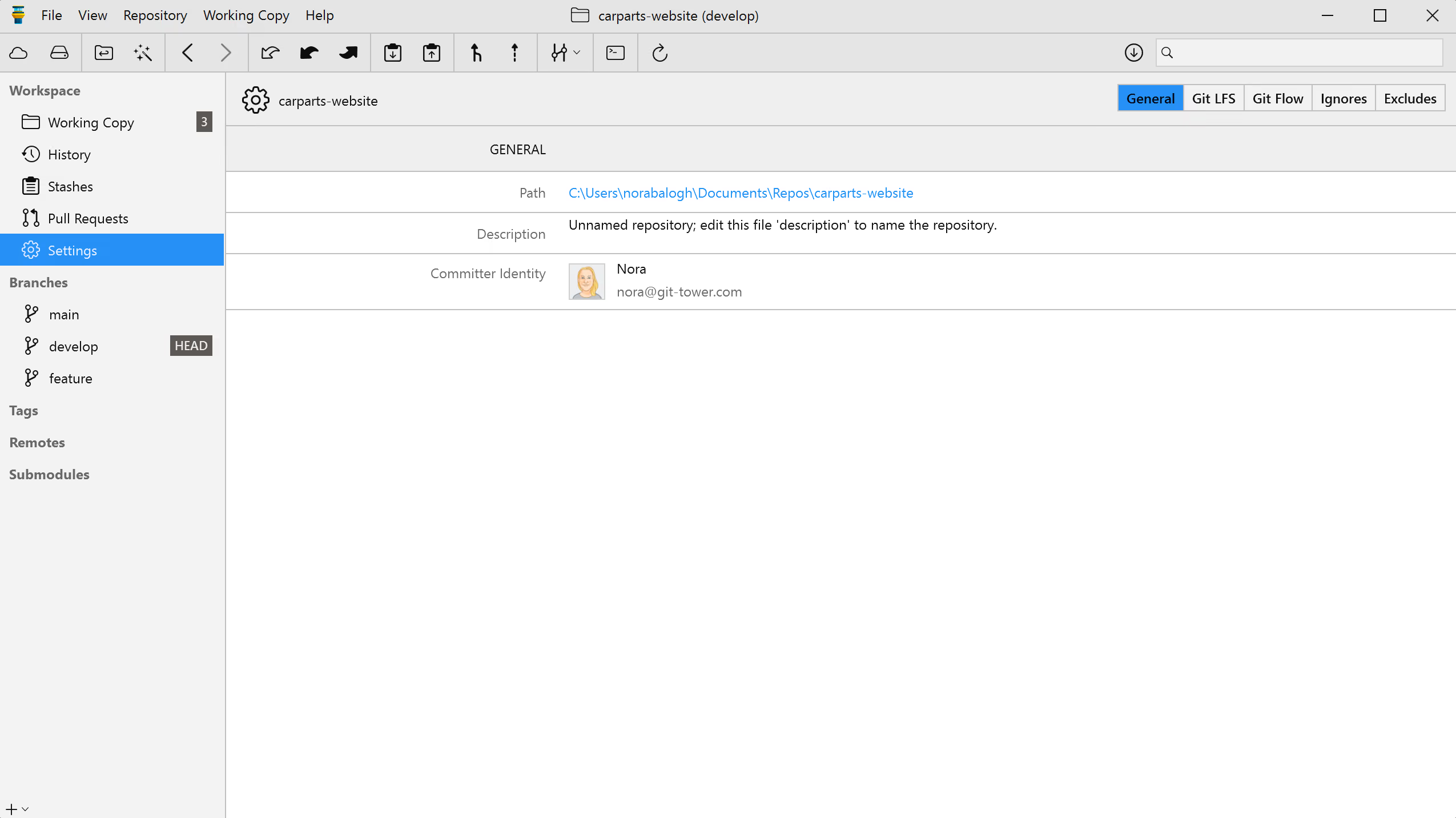
- The local repository's local path - and a link to open it in Explorer.
- The repository's description text.
- The author name and email under which your commits will be logged. Changing this information here, in the repository settings, will override it for this repository only! If you want to change your author information in general, you can do so in Tower's preferences.
- Ignore and exclude rules in this project.