Repositories Overview
The Repositories view lists all local Git repositories you've added to Tower. It's also the place where you can clone and create repositories. You can access it either by clicking the button in the Navigation Bar or by pressing ⌘ + CTRL + R.
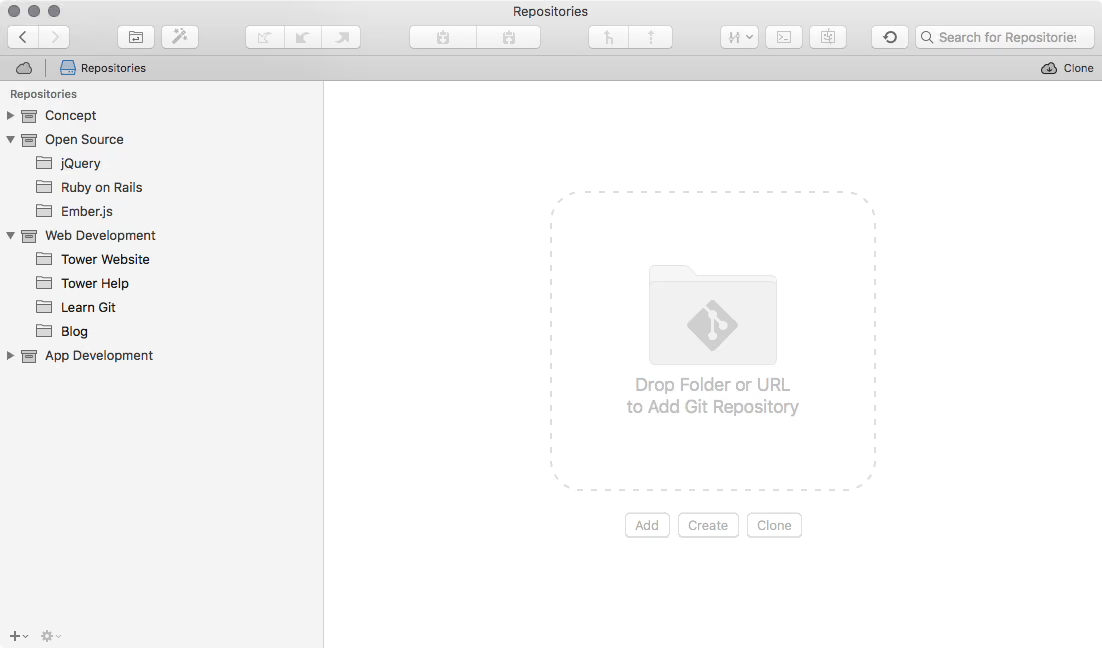
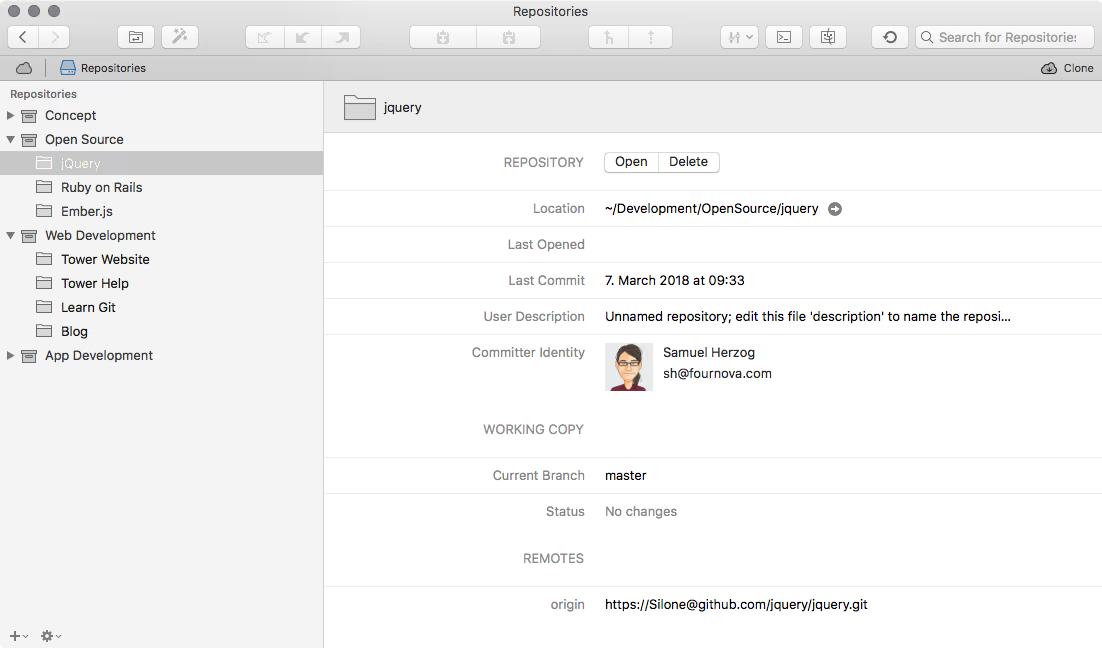
- Simply select any repository in the list to see more information about it on the right. Double-click to open it in Tower and start working with it.
- Create new local repositories, add existing ones, or clone from a remote server.
- Create folders to organize your repository bookmarks. Sorting is possible via simple drag and drop.
- Deselect any repository (⌘+click) to return to the overview screen.
- Basic information about the repository and its current status are displayed.