Remote Repositories Overview
Tower's sidebar lists the remote repositories that are connected with your local Git repo. Simply select any remote item to see general information and settings.
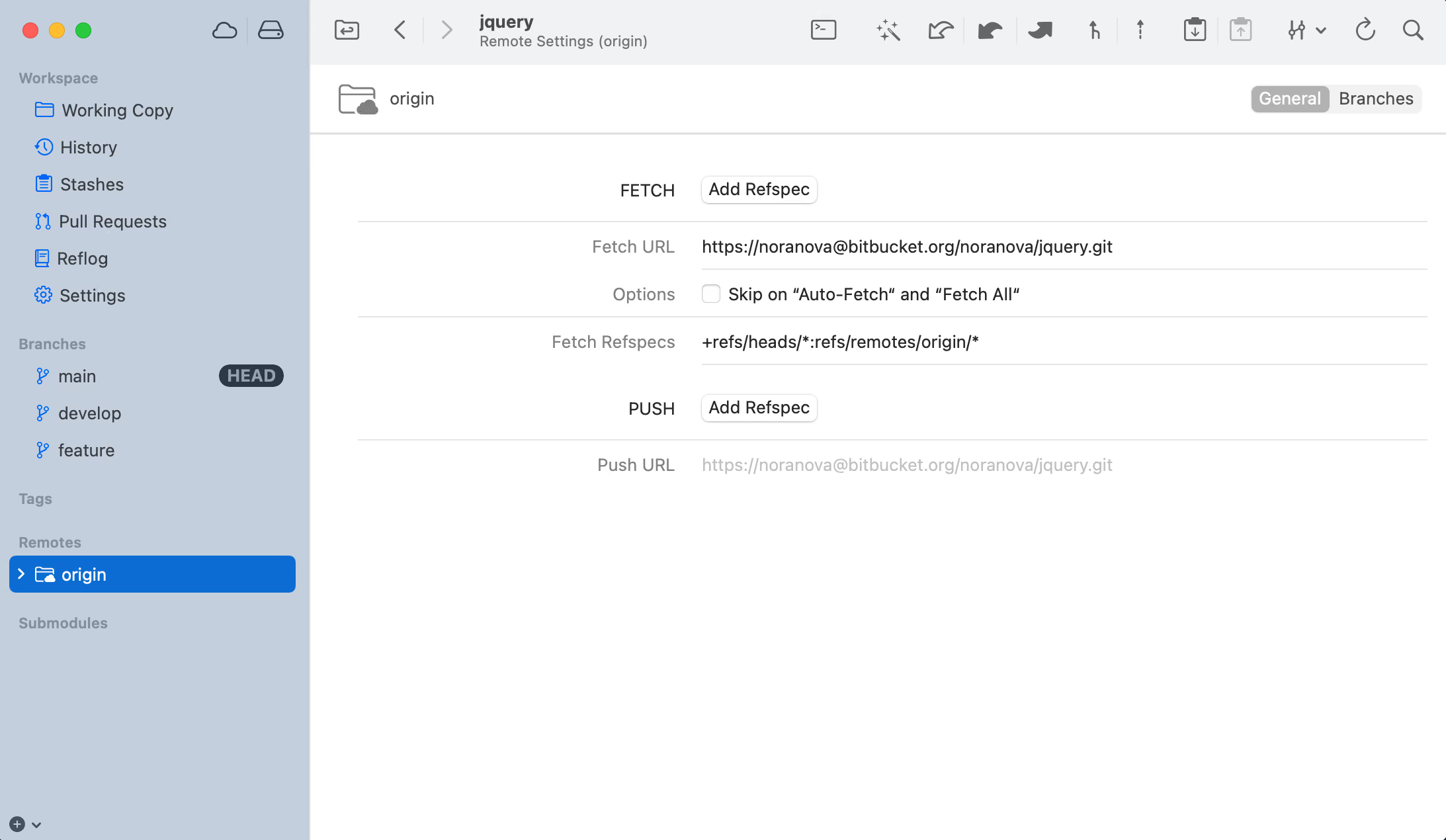
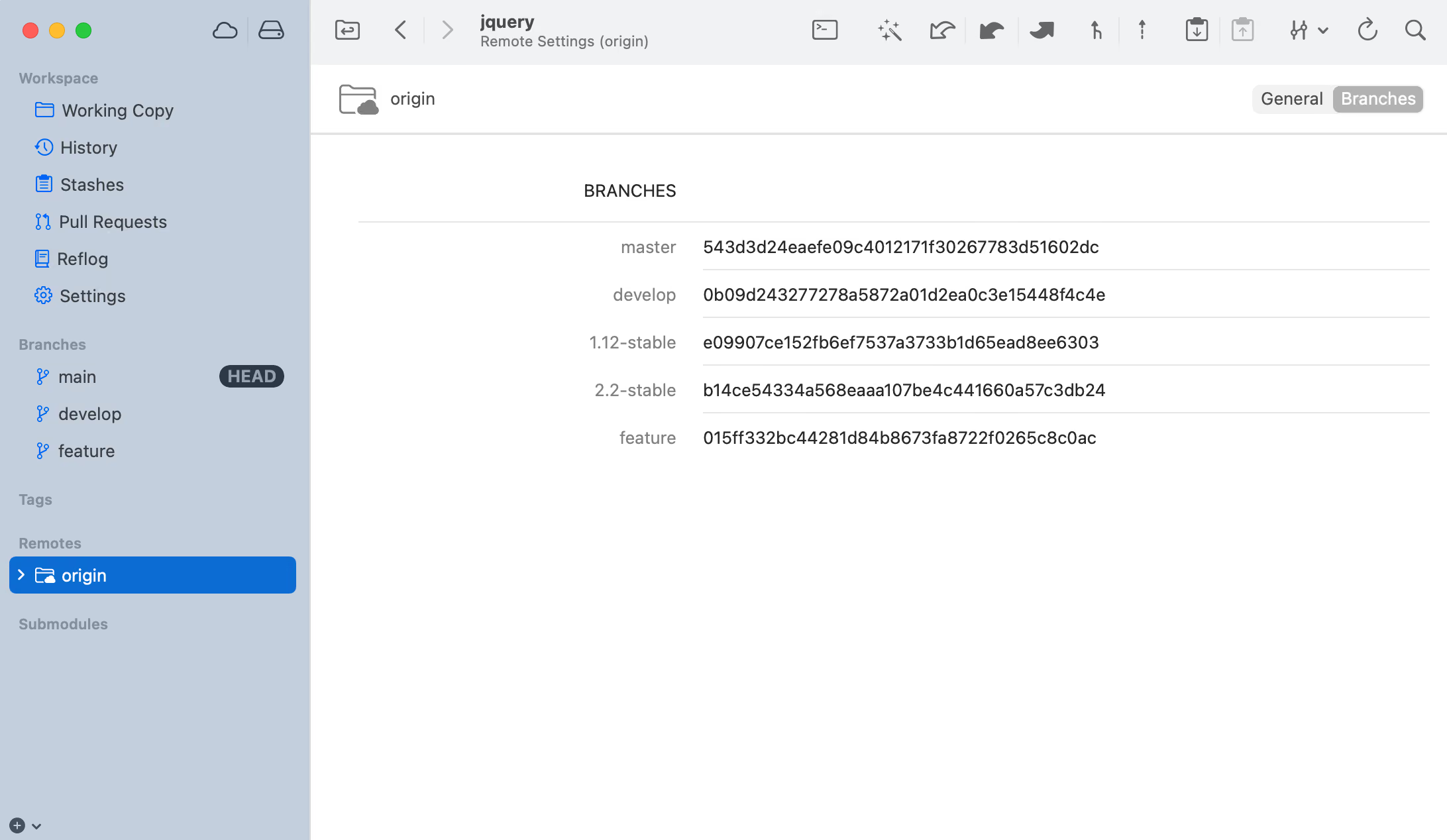
- Expand the remote in the sidebar to see its branches. Select it to see more information in the details view to the right. Or right-click it for various interactions.
- Configure various settings for this remote.
- An overview of all remote branches and their current revision.