Pull Requests Overview
Creating, managing, and working with Pull Requests can all be done from within Tower. You can access the Pull Requests view either via selecting it in the sidebar or simply by pressing ⌘ + 4.
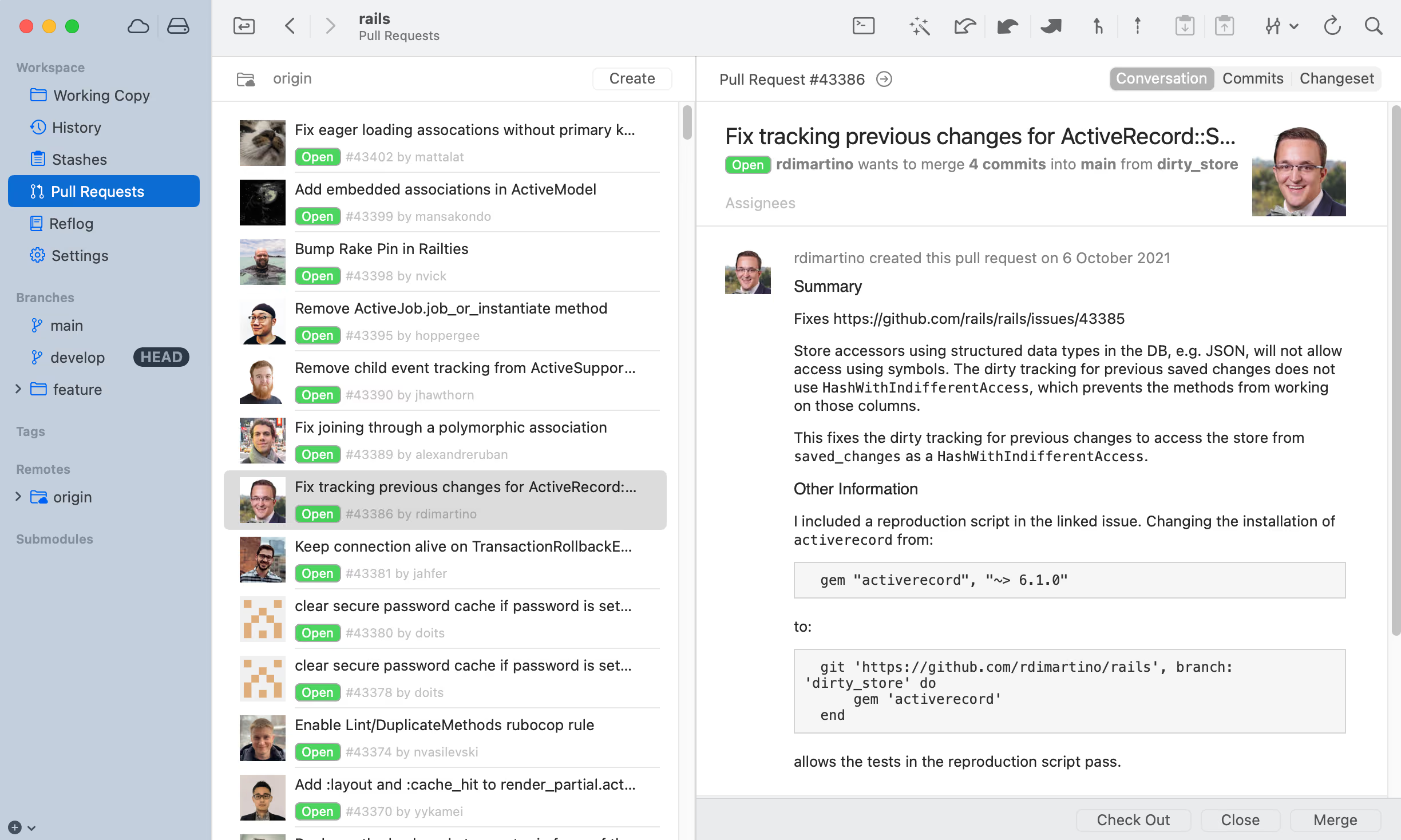
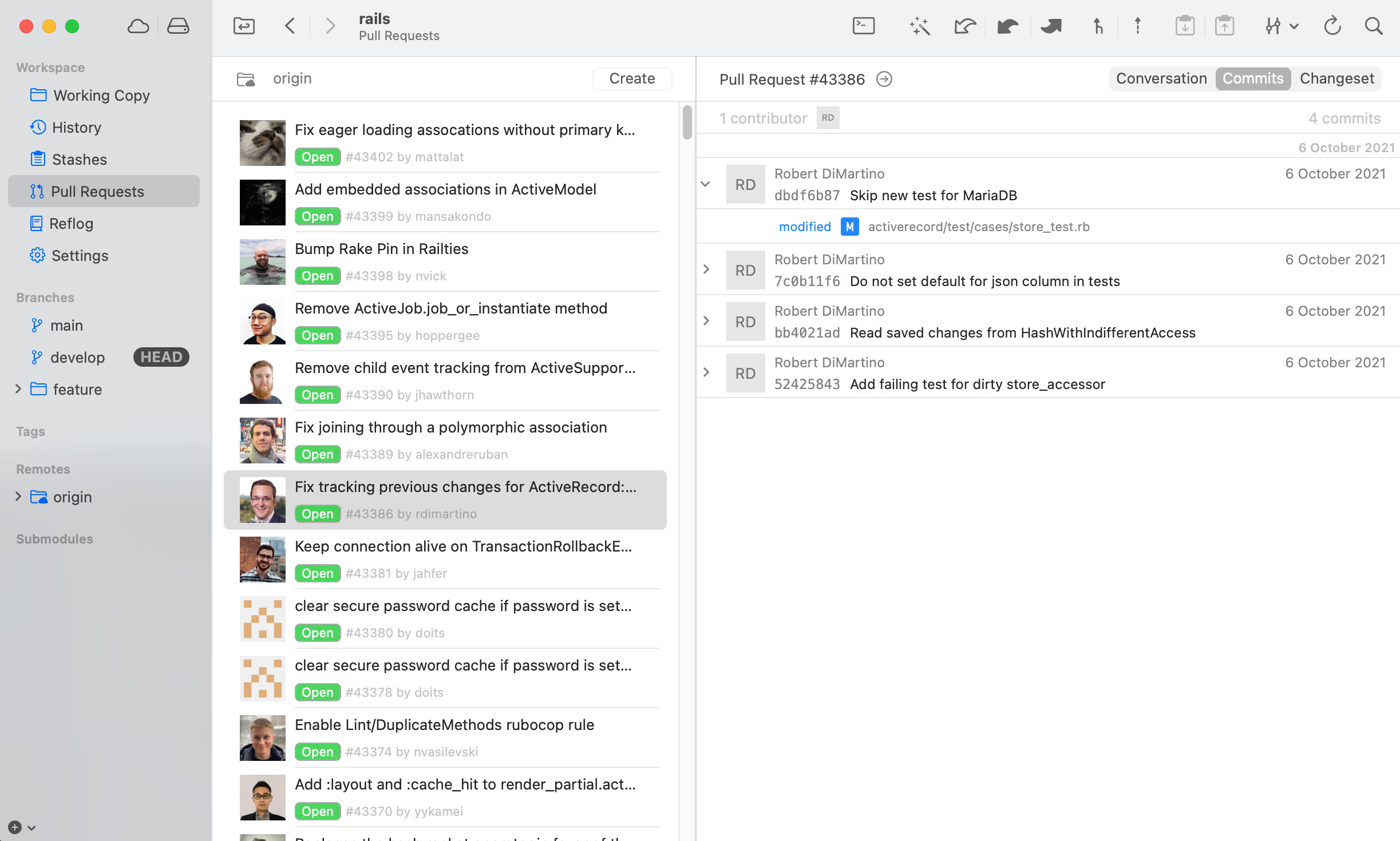
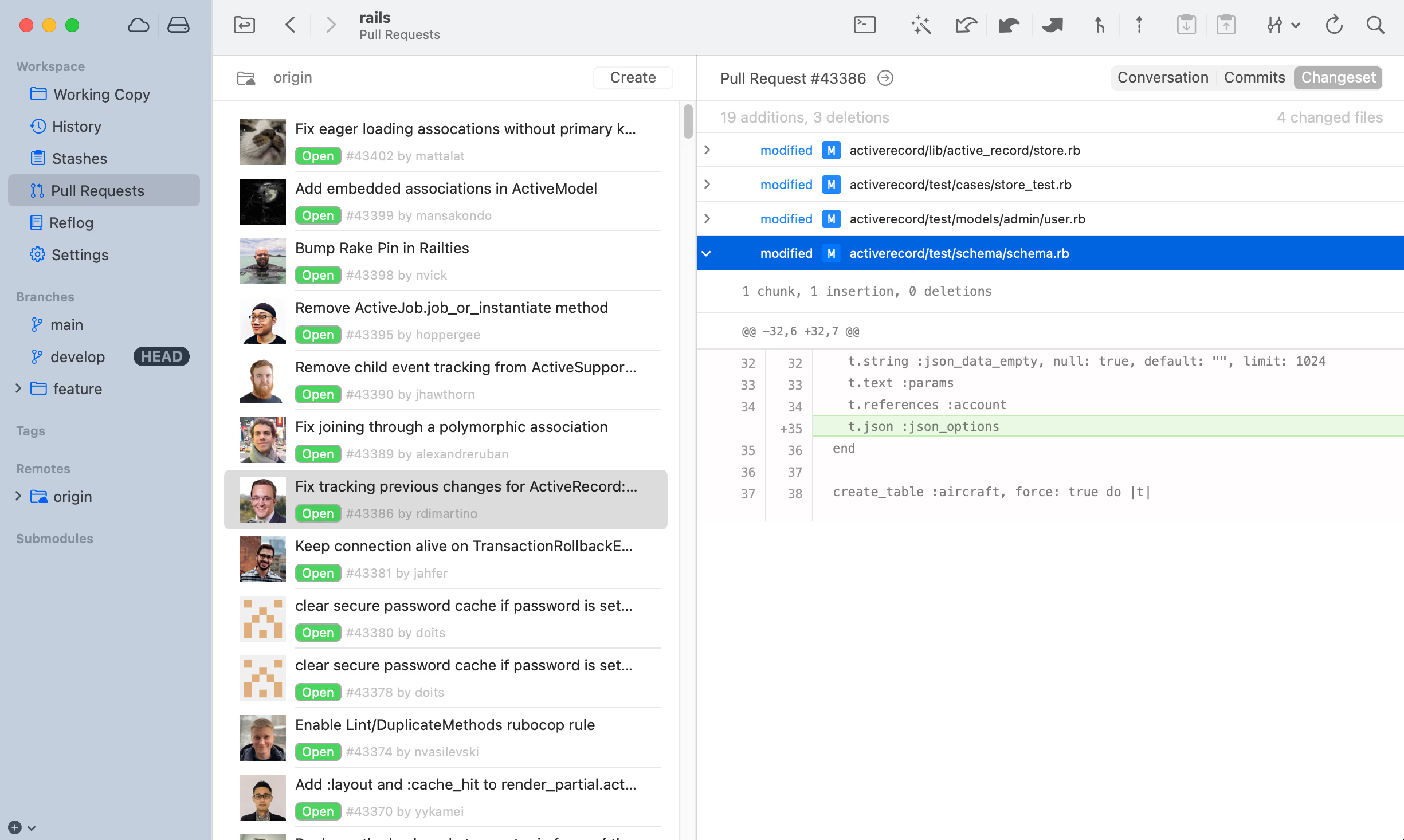
- Select the remote repository that hosts your Pull Requests.
- Create a new Pull Request from within Tower.
- View the Pull Request in your browser.
- See all comments and commits made by fellow collaborators.
- Check out or manage the Pull Request directly from within Tower.
- Concentrate on the changes introduced by commits.
- Get a detailed view of the combined changes for this Pull Request.