Hosting Services Overview
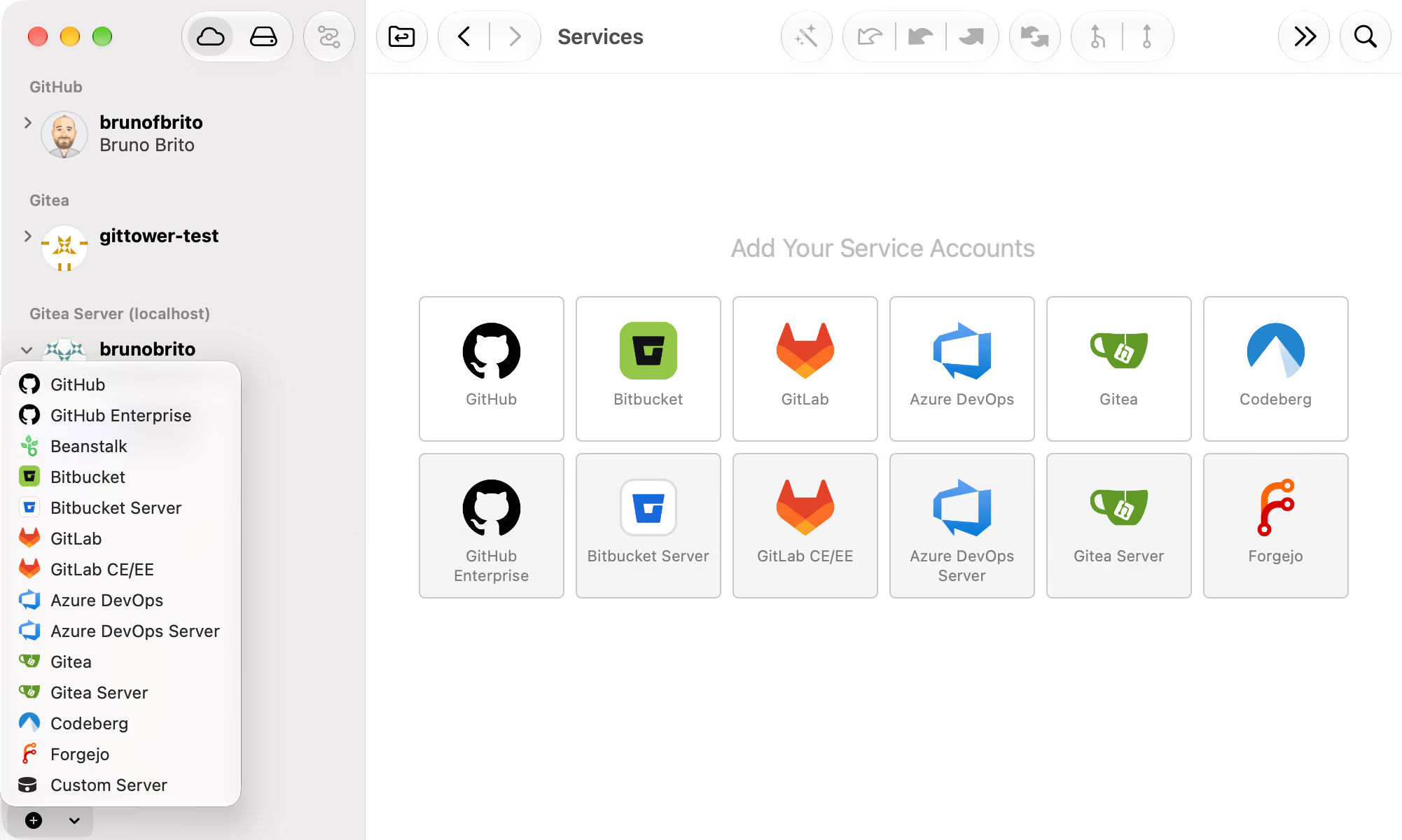
In general, Tower allows you to work with any Git repository - no matter if it's hosted on a service like GitHub or on your own server. However, if you're using any of the following services, Tower's Services view makes cloning & managing repositories even easier:
- GitHub
- GitHub Enterprise
- Bitbucket
- Bitbucket Server
- GitLab.com
- GitLab CE / EE
- Azure DevOps
- Azure DevOps Server
- Gitea
- Gitea Server
- Forgejo
- Codeberg
- Beanstalk
You can access the Services view either by clicking the cloud icon in the Navigation Bar or by pressing ⌘ + CTRL + S.
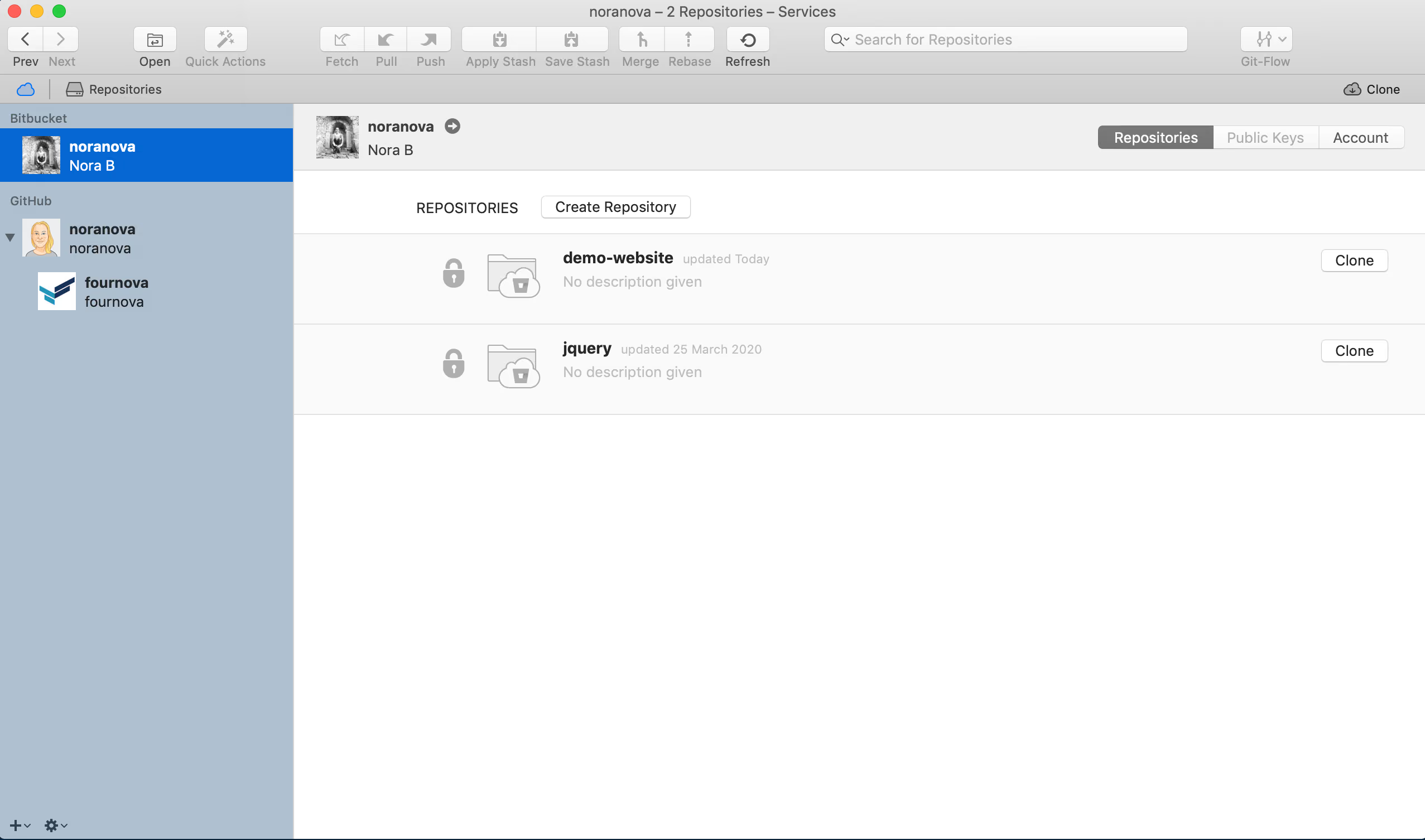
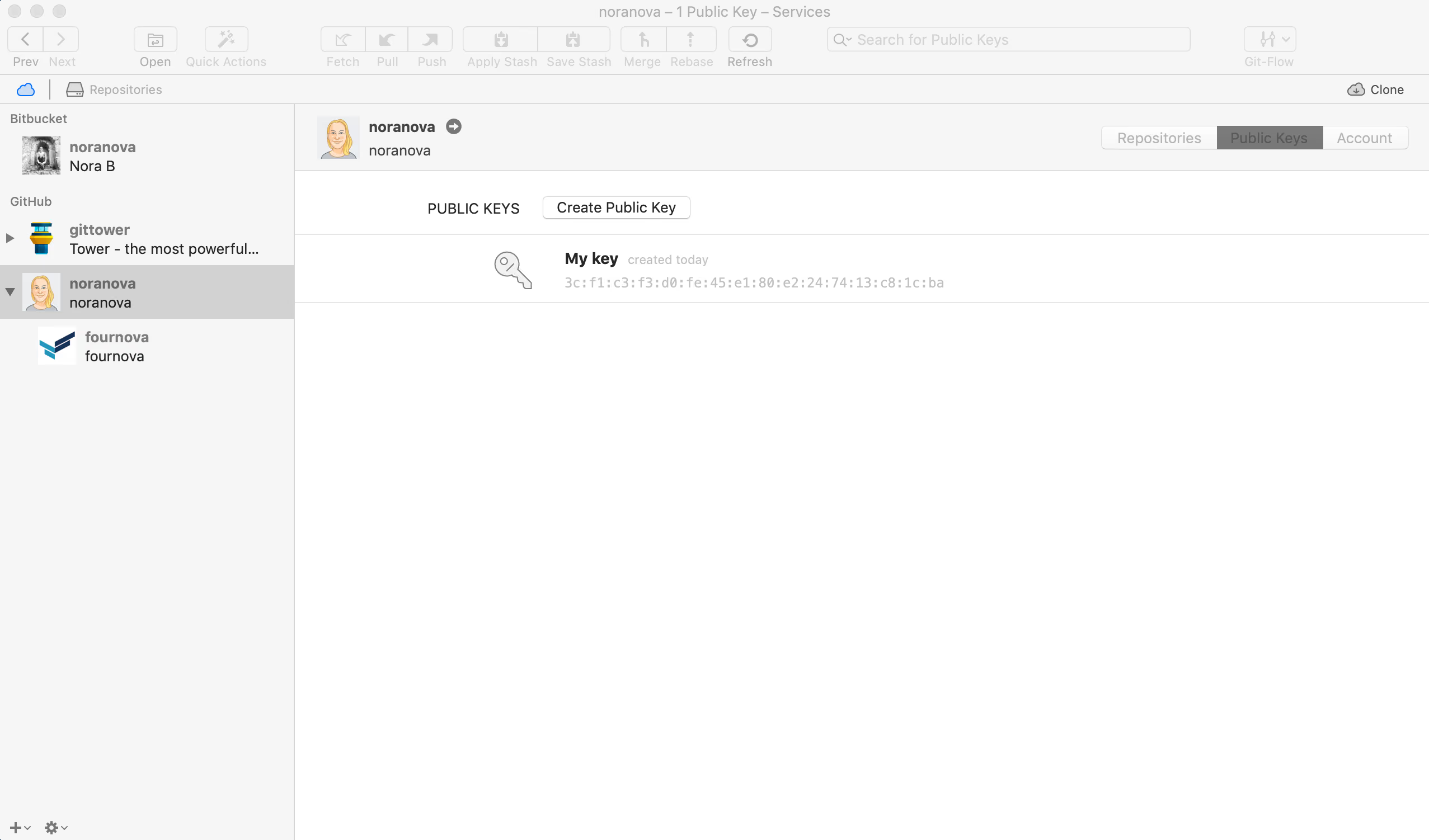
- Select any account in the list to see its associated repositories and SSH Public Keys.
- Add your GitHub, Bitbucket, GitLab, Azure DevOps, Gitea, Forgejo, and Codeberg accounts.
- Deselect any item (⌘+click) to return to the overview screen...
- All repositories in this account are listed.
- Clone a repository with just a single click. The "Clone" button in the Navigation Bar keeps you up-to-date about the progress.
- All SSH Public Keys in this account are listed. You can add new ones and delete existing ones without leaving Tower!